
Everything a textile factory runs on, in one system
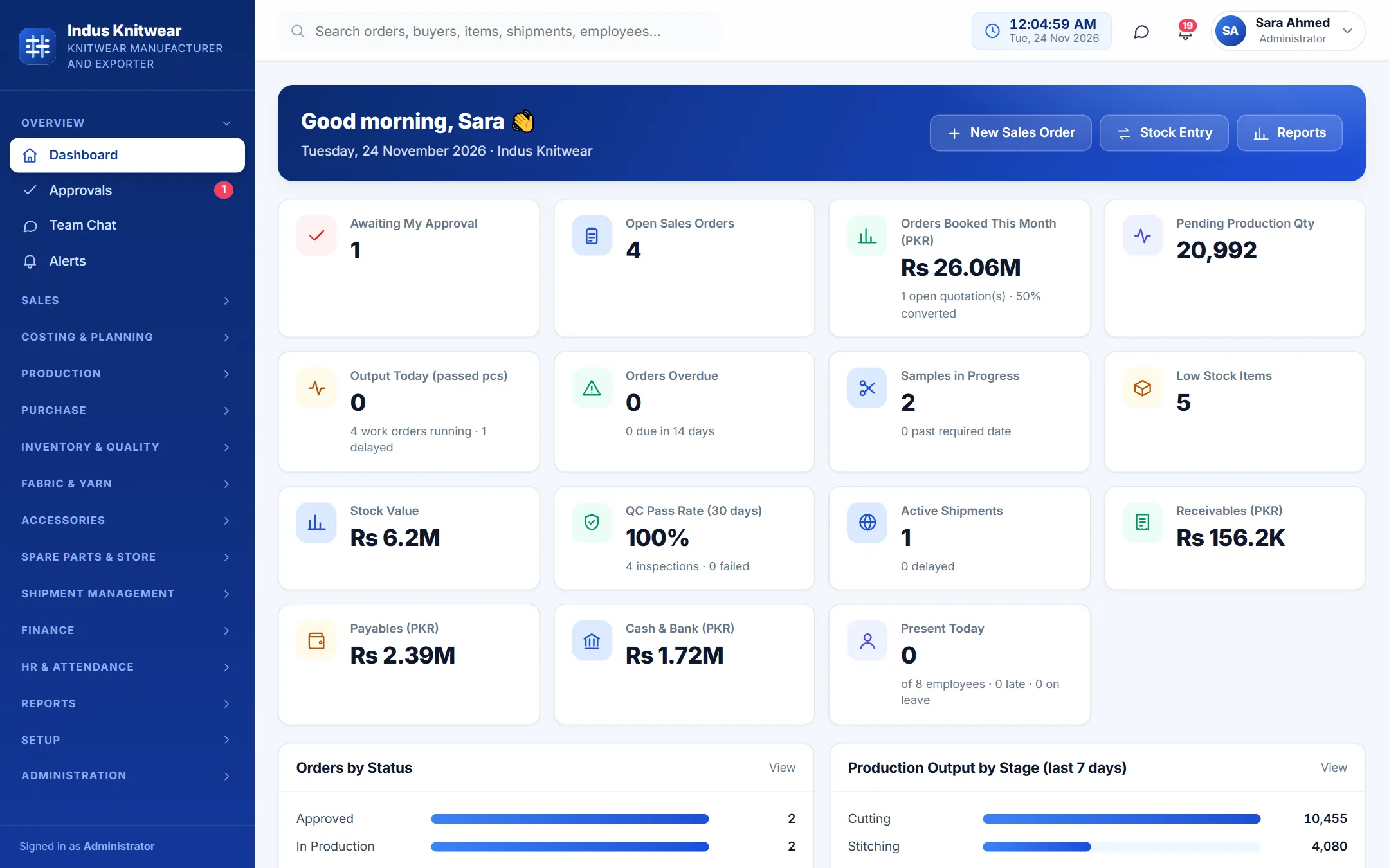
Each screenshot on this page is the real application, from our demo workspace for a knitwear exporter. Every plan gets the same screens; plans differ in the modules and number of users.
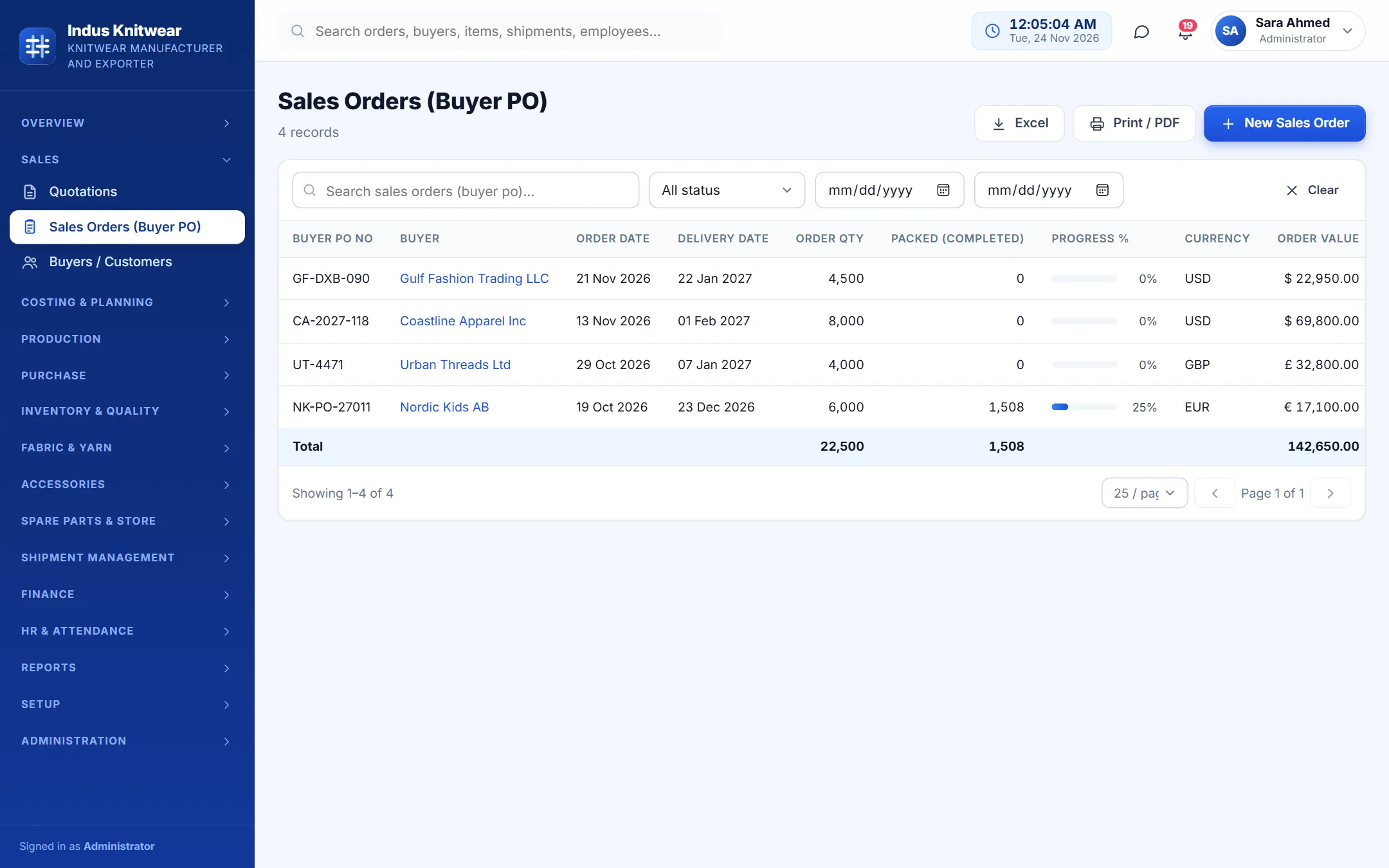
From quotation to confirmed buyer PO
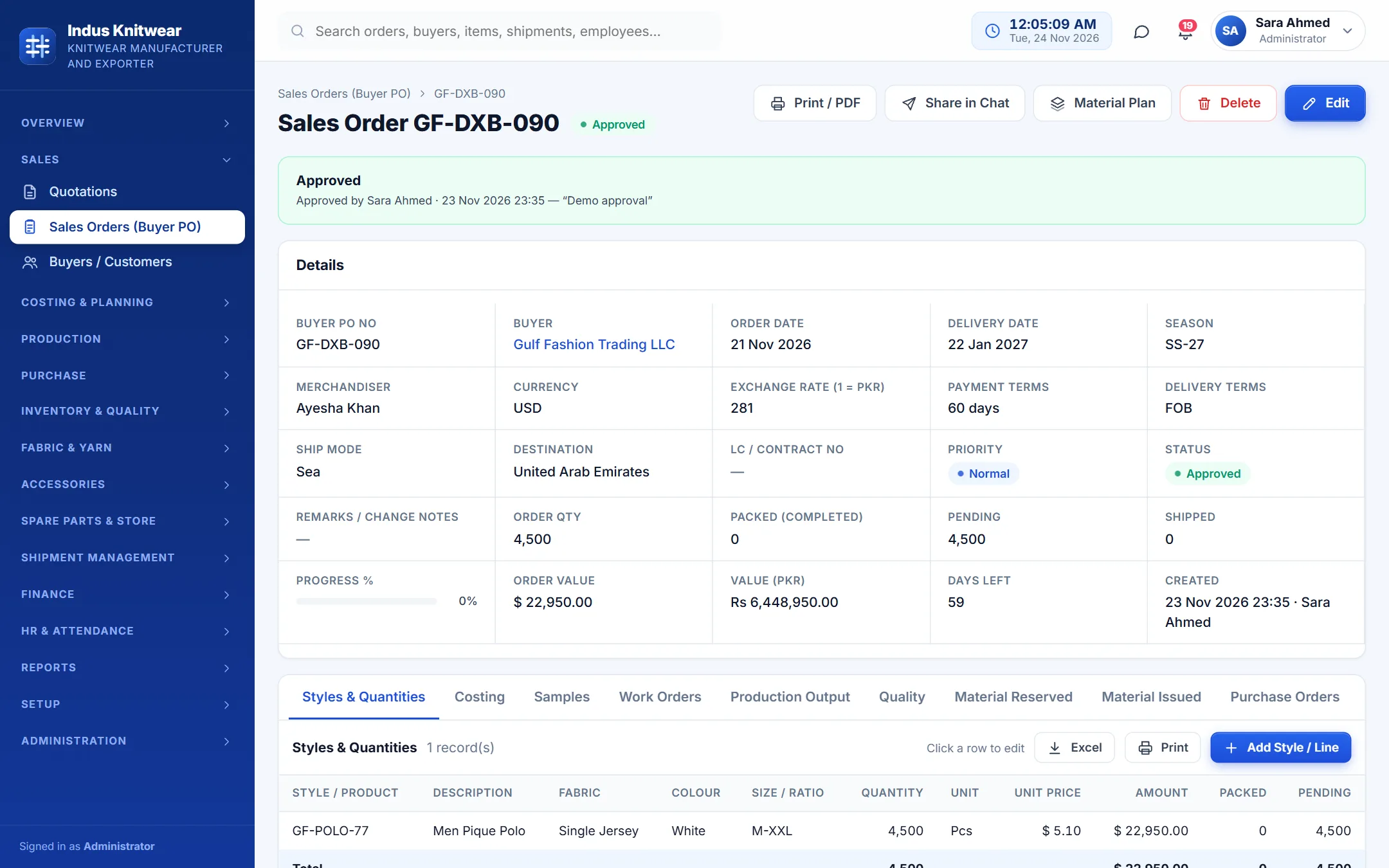
Keep every buyer, quotation and order in one list. An order holds its styles, colours, size breakdown, prices and delivery dates, and links to everything that happens to it afterwards.
- Quotations that convert into sales orders
- Sales orders with size and colour breakdown
- Buyer records, contacts and order history
- Order status from approval to shipped
Cost every style, then plan its material
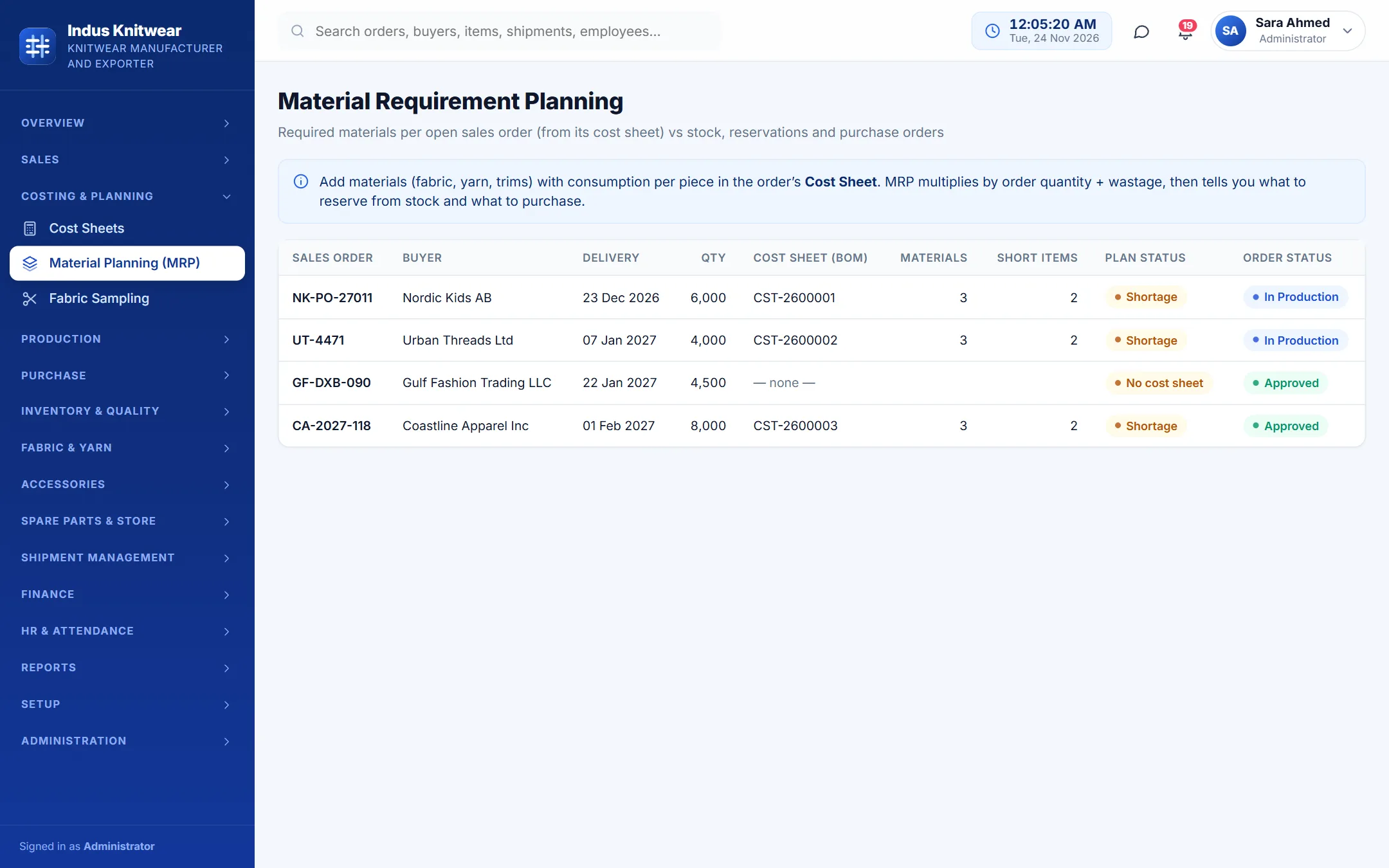
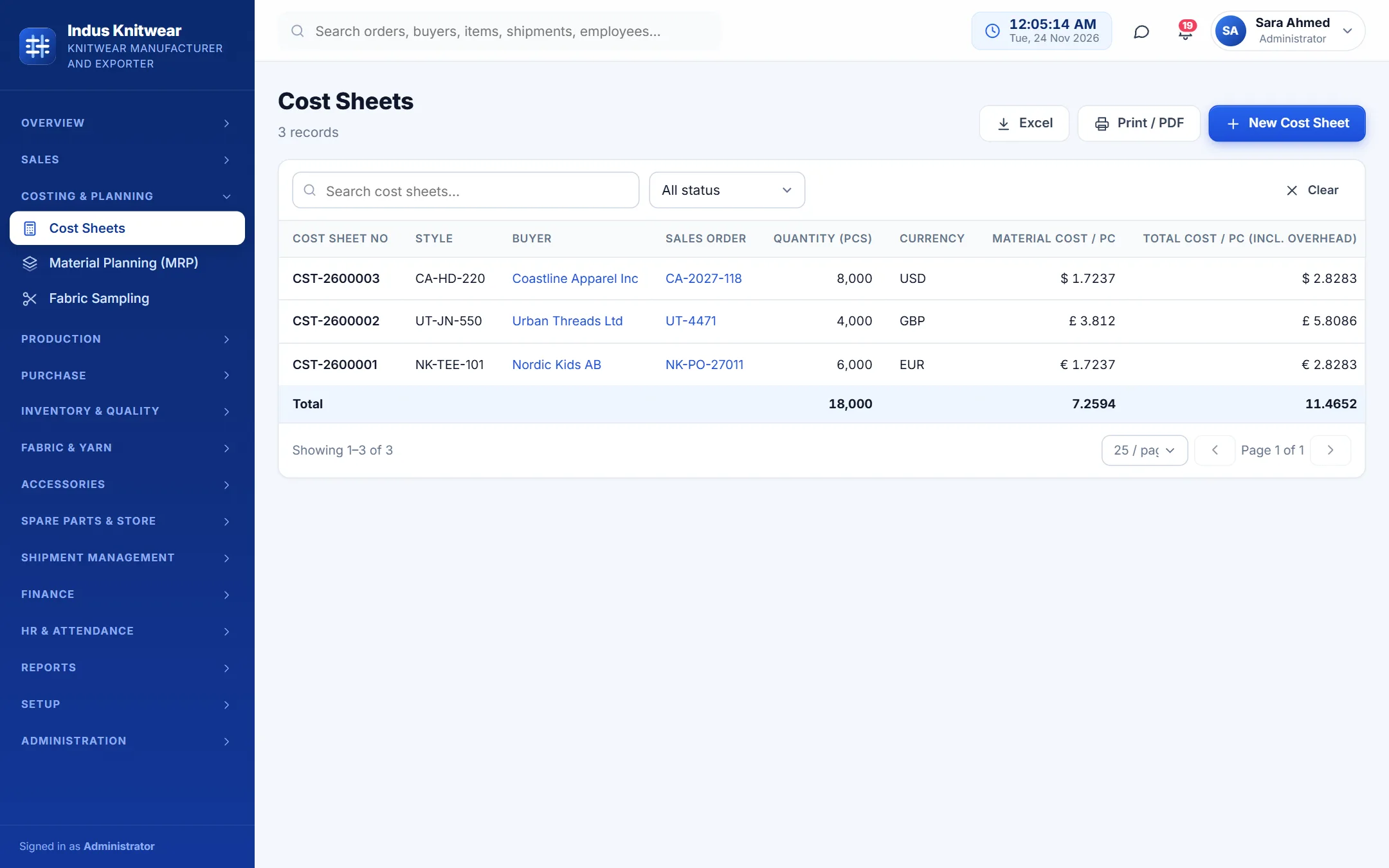
Cost sheets list the fabric, yarn and trims per piece, with overheads, in the buyer's currency. Material planning uses them to show what each open order still needs.
- Cost sheets in USD, EUR, GBP or PKR
- Consumption per piece plus wastage
- Material planning (MRP) per order
- Fabric sampling and approvals
- Exchange-rate table for every currency
Work orders, lines and daily output
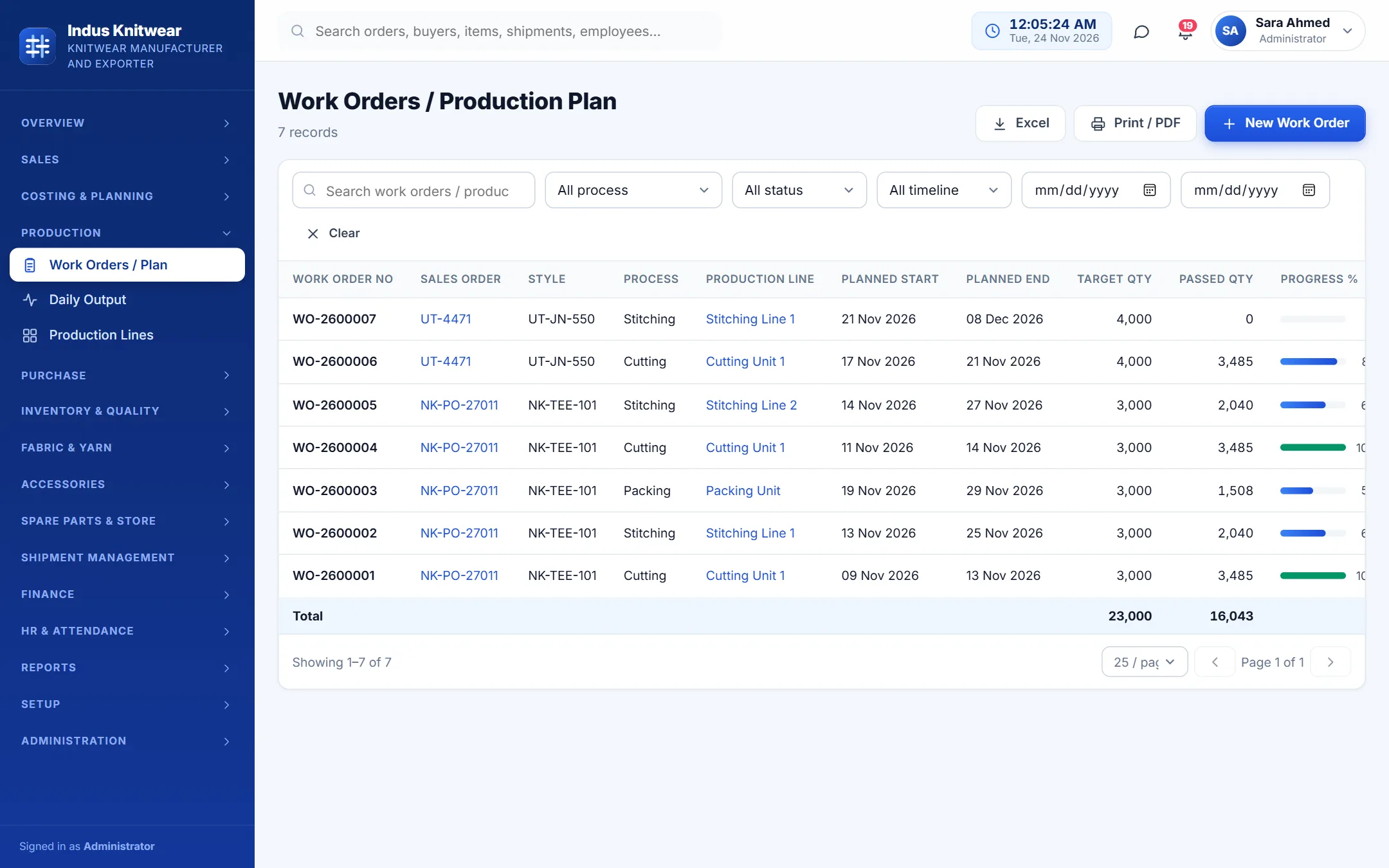
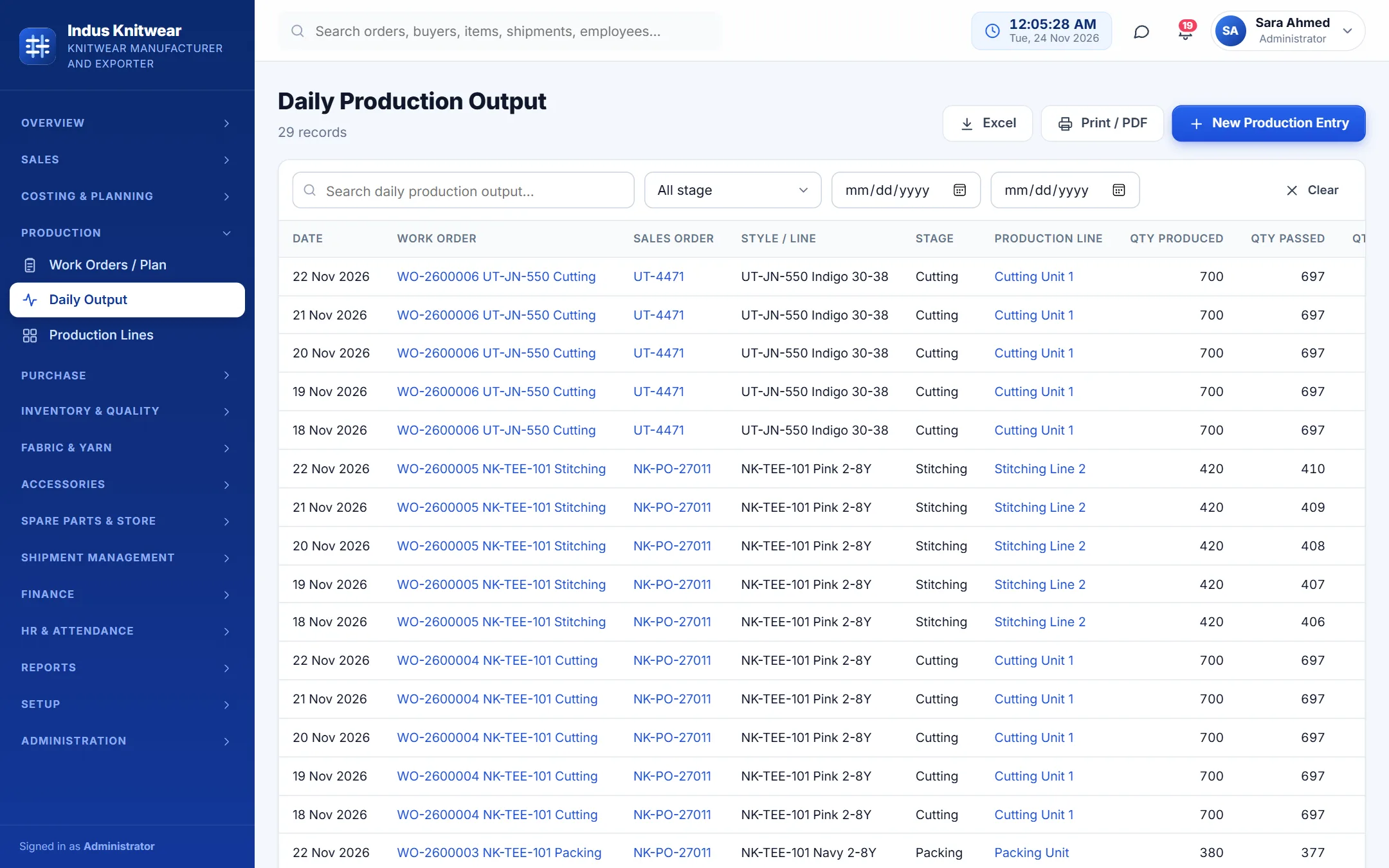
Plan each style through the stages your factory uses. Supervisors record output by line and shift, with passed and rejected pieces, so the order always shows how far it has come.
- Cutting
- Stitching
- Washing
- Finishing
- Quality
- Packing
- Work orders and production plan
- Daily output by line, stage and shift
- Production lines and their machines
- Delayed work orders on the dashboard
Buy what the plan says, from the right supplier
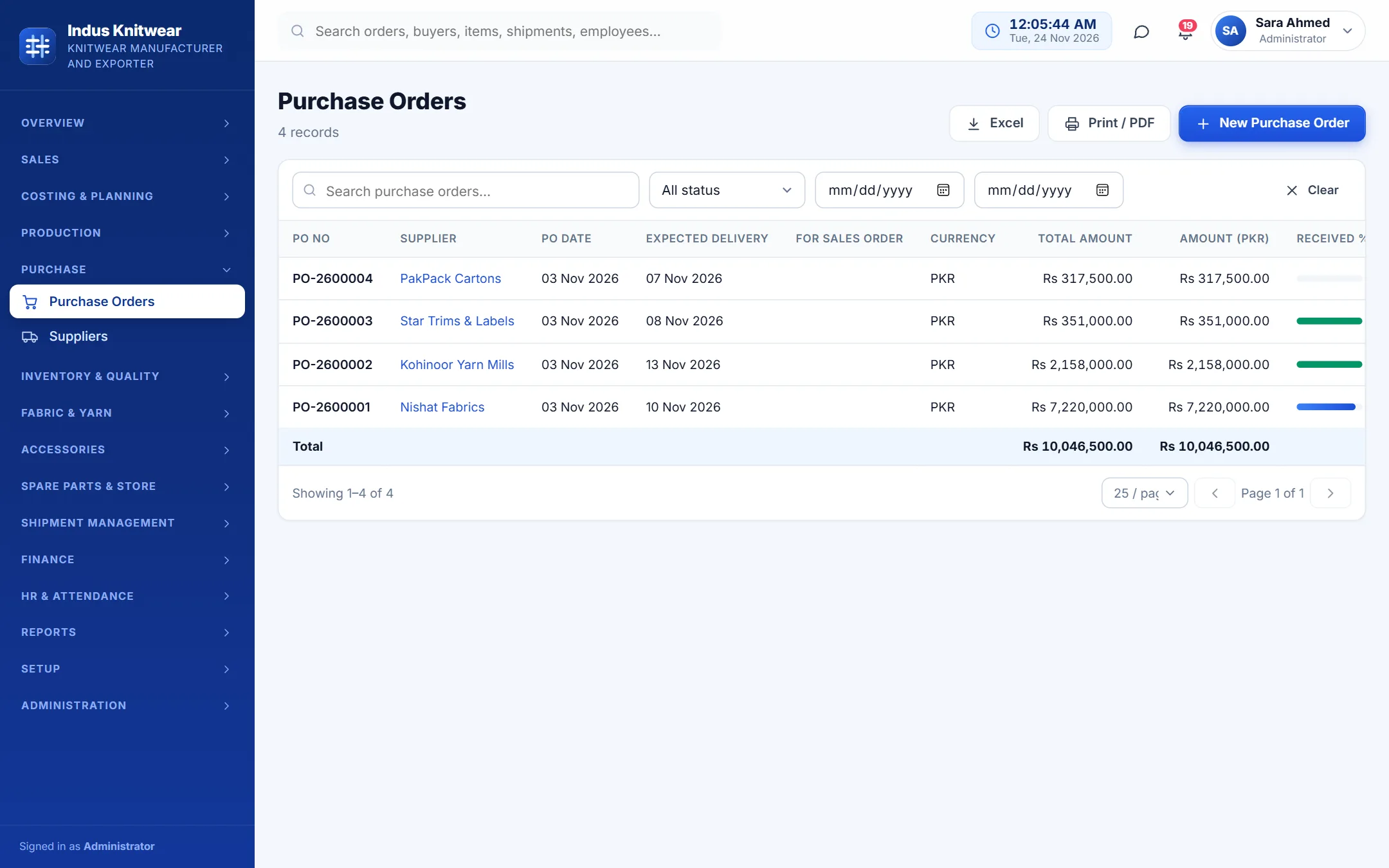
Purchase orders go to suppliers for fabric, yarn, trims and spares. Goods received update stock straight away, and the bill follows into accounts.
- Purchase orders with approval levels
- Supplier records and purchase history
- Goods received into the right warehouse
- Printed POs with your logo
Every roll, cone, button and spare part
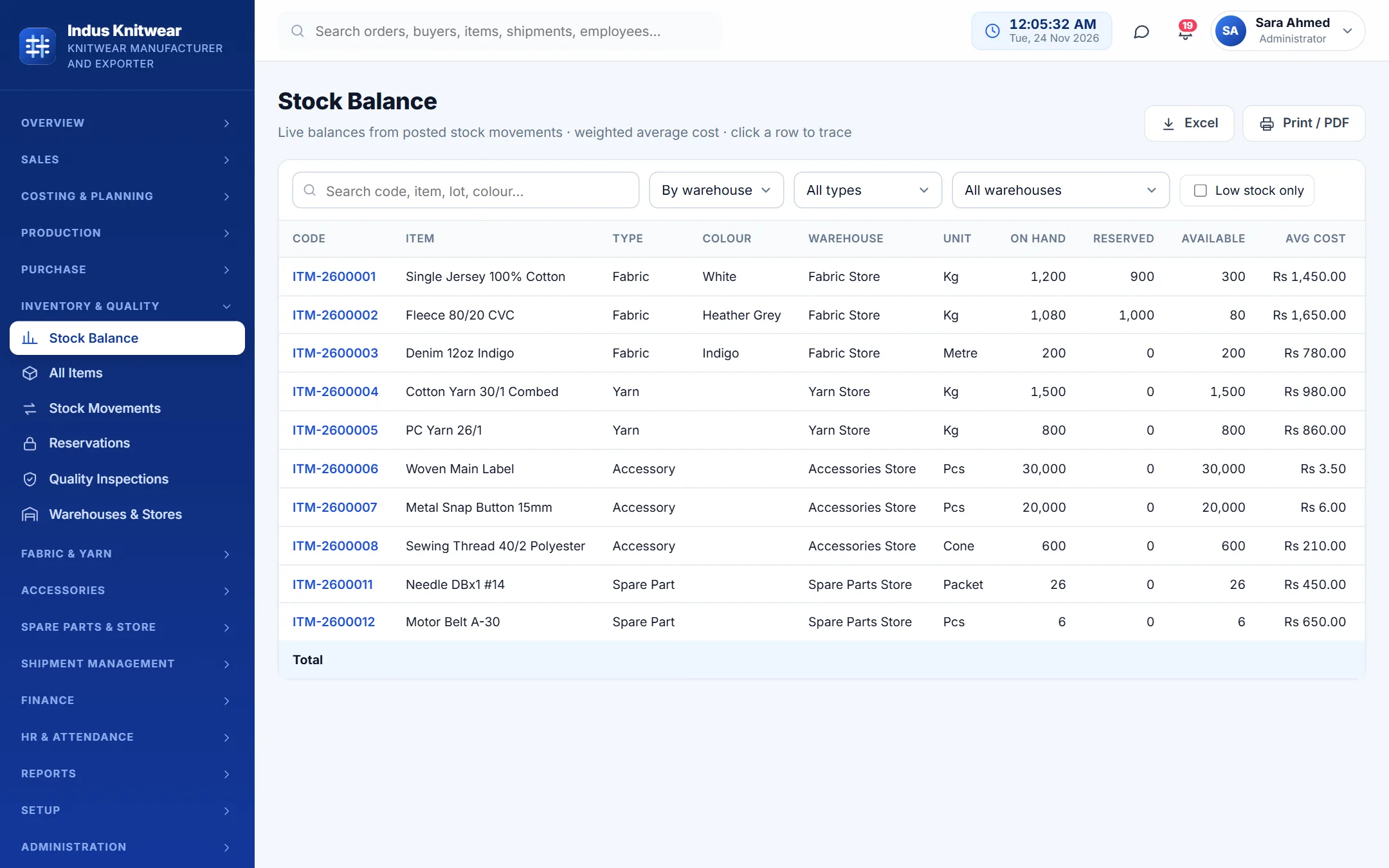
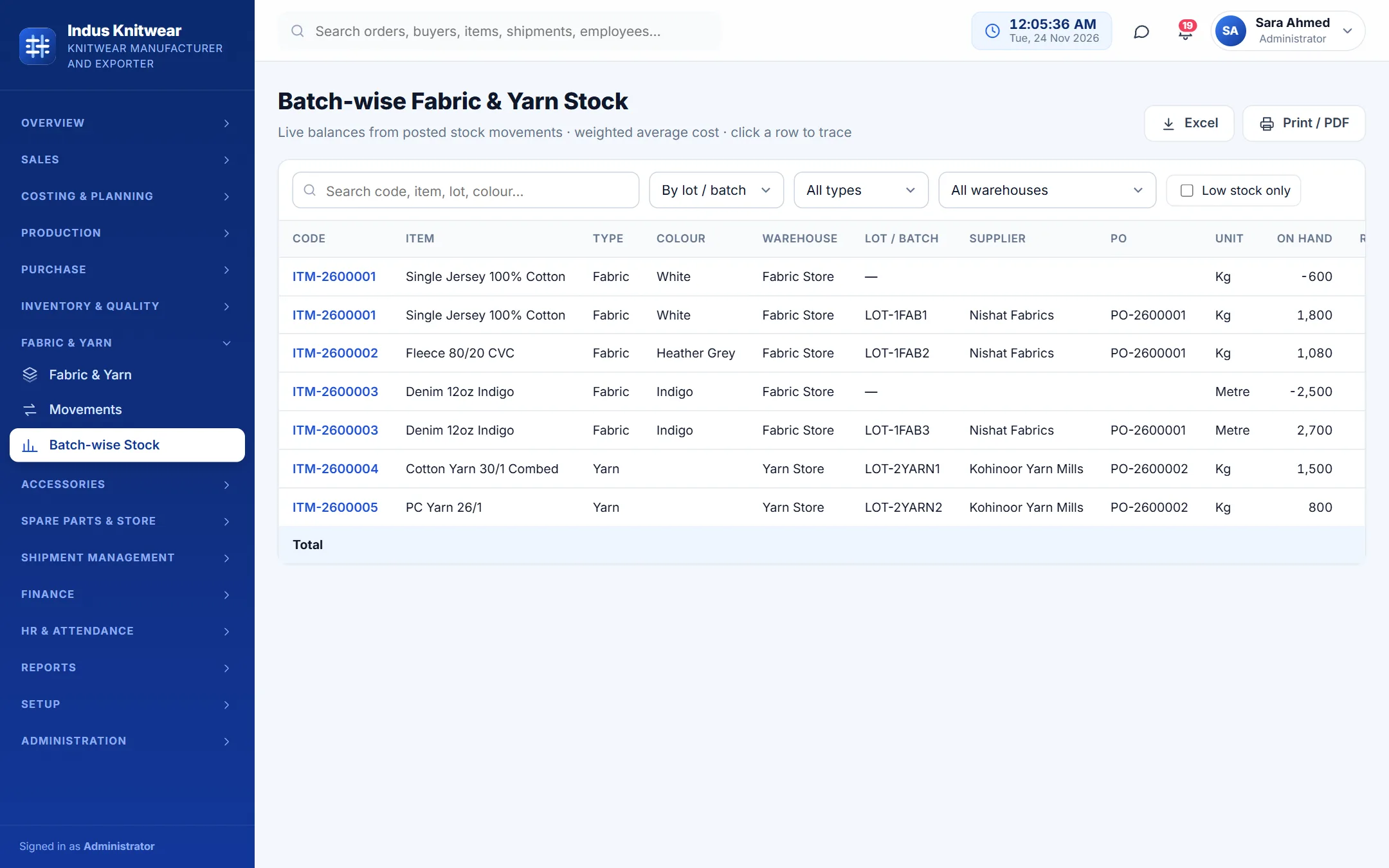
Separate registers for general items, fabric and yarn, accessories and spare parts, all with movements and balances per warehouse.
- Stock balance by item and warehouse
- Fabric and yarn by batch and lot
- Accessories and trims stock
- Spare parts and machines
- Reservations against orders
- Low-stock alerts
Inspections that stay with the batch and the order
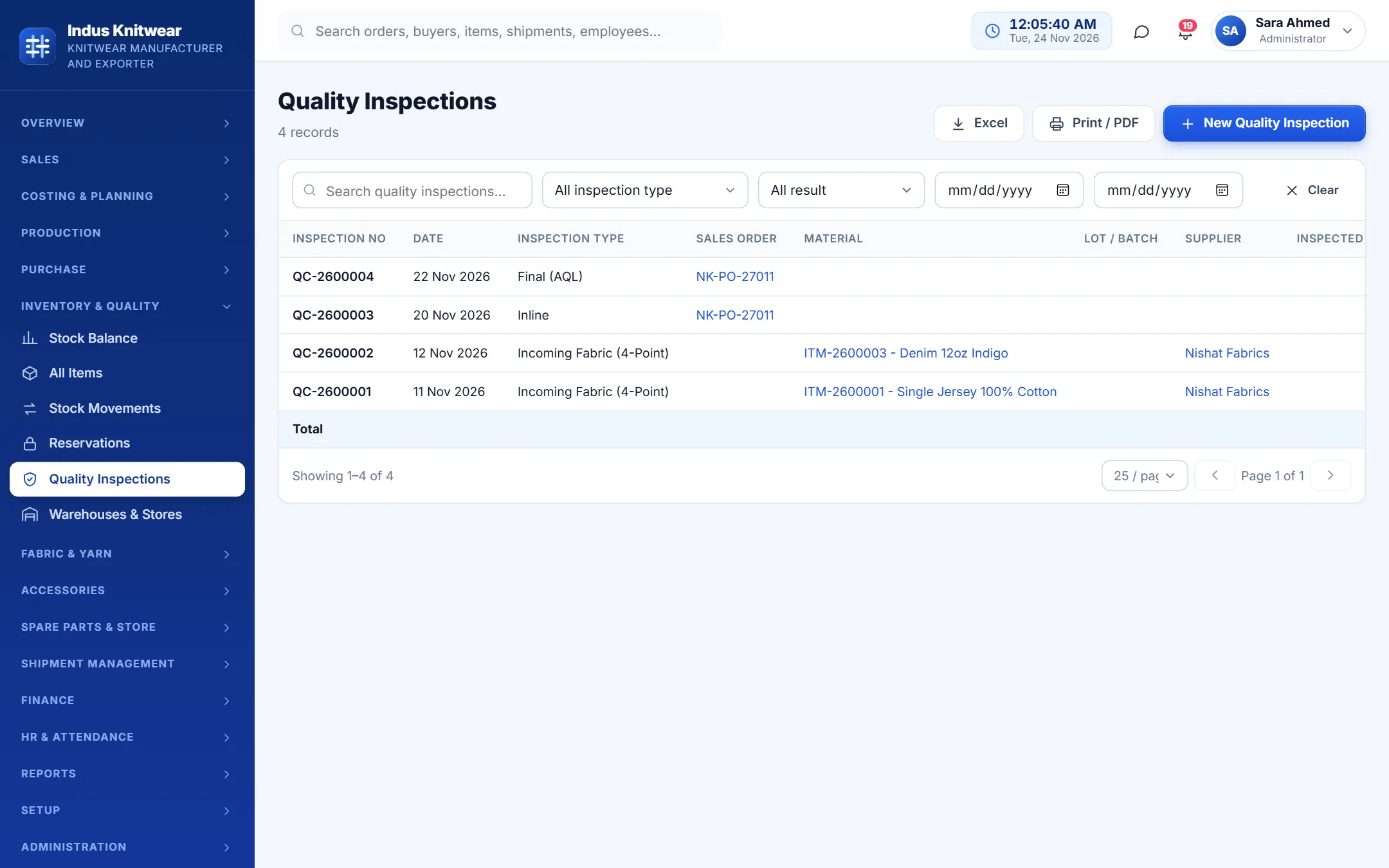
Record inspections when material arrives and while it is being made. Results stay linked to the batch and the order, so a problem can be traced back to where it started.
- Receiving and in-line inspections
- Pass, hold and reject with reasons
- Linked to the batch, supplier and order
Shipments, documents and tracking
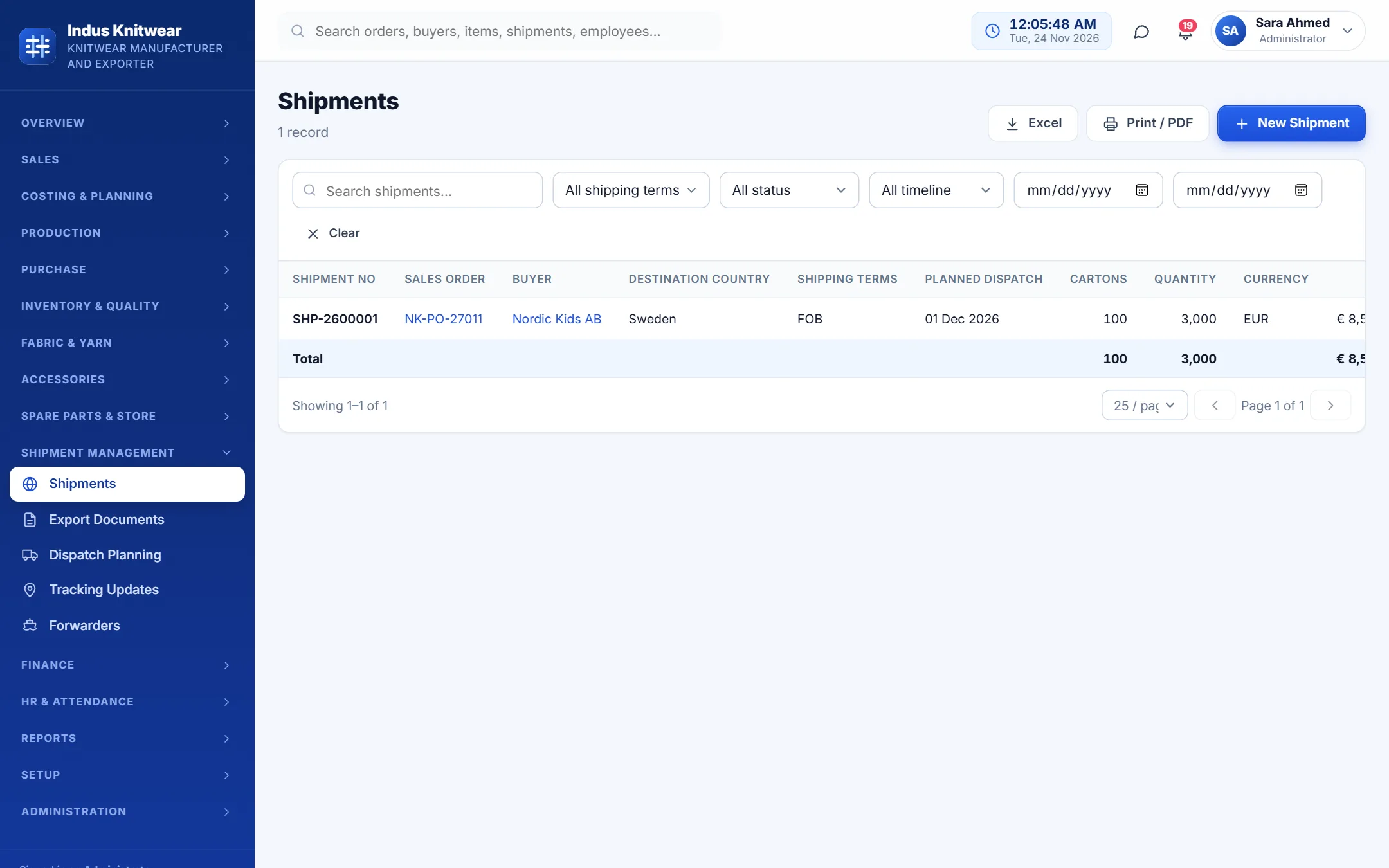
Plan dispatches, prepare export documents and follow each shipment with its forwarder until it reaches the buyer.
- Shipments per order and buyer
- Export documents
- Dispatch planning
- Tracking updates and forwarders
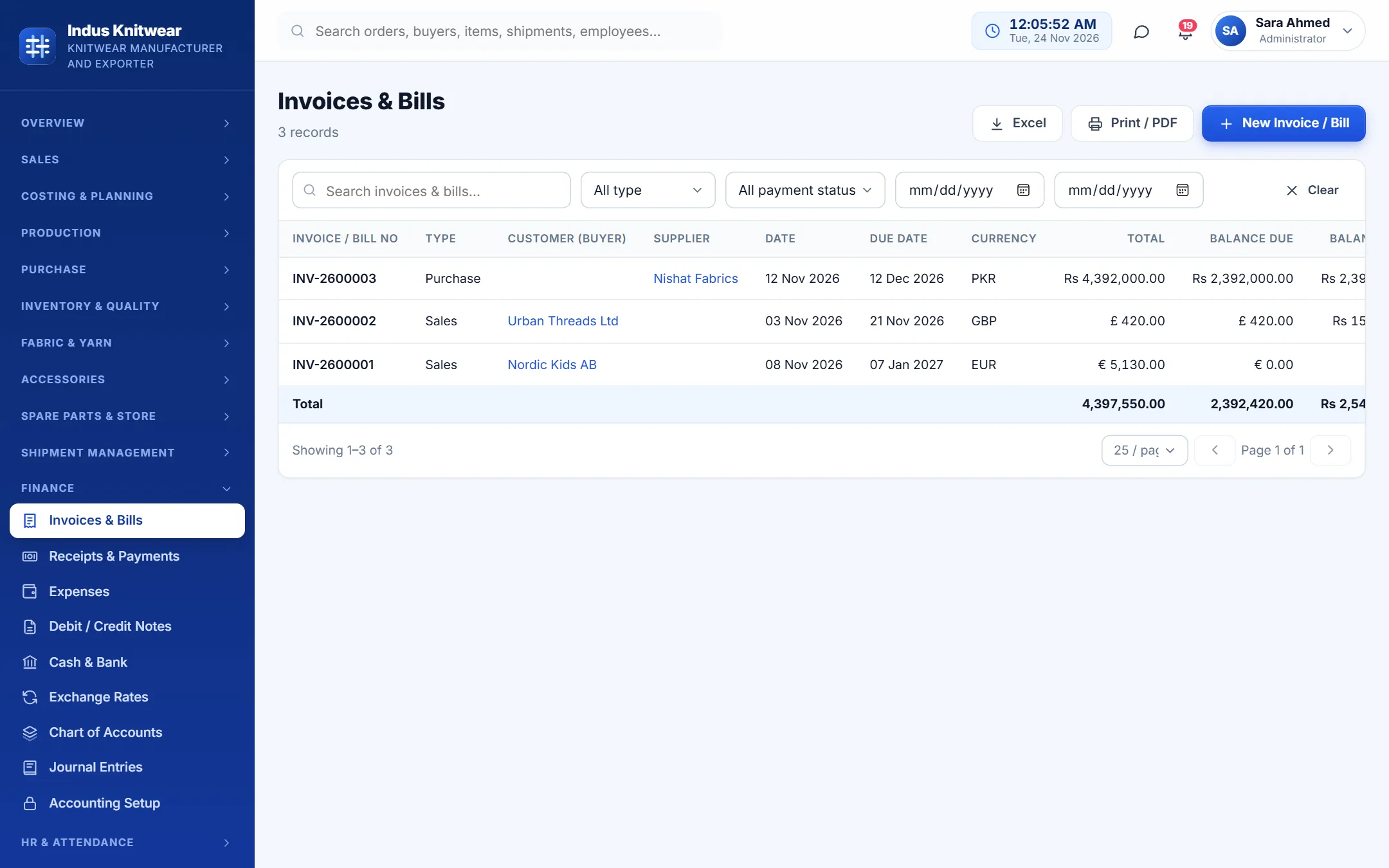
Books that follow the business
Invoices, bills, receipts and expenses post to the chart of accounts. Cash and bank balances, debit and credit notes and journals are all in the same place as the orders they belong to.
- Invoices and bills
- Receipts and payments
- Expenses by category
- Debit and credit notes
- Cash and bank
- Exchange rates
- Chart of accounts
- Journal entries
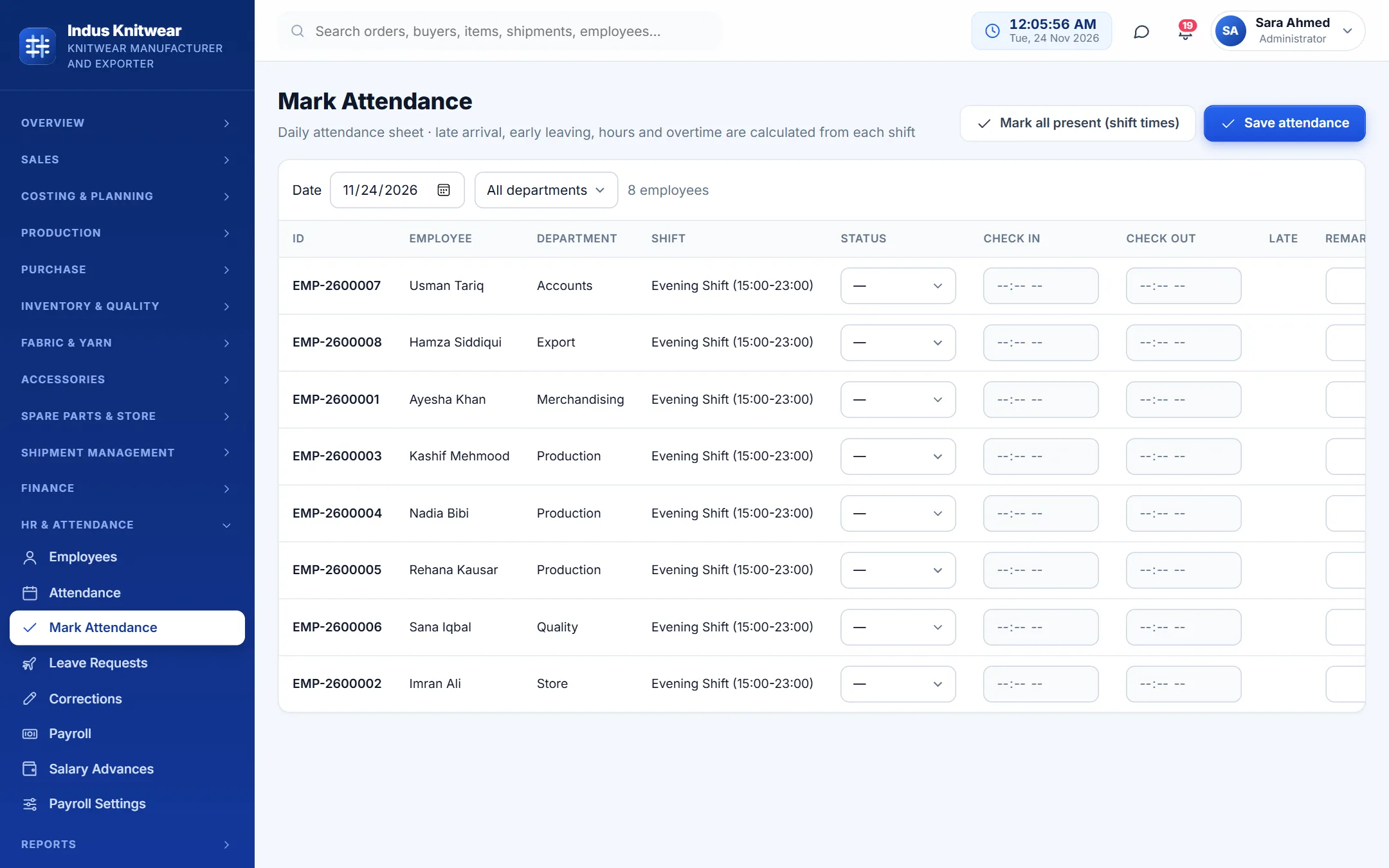
From the attendance sheet to the payslip
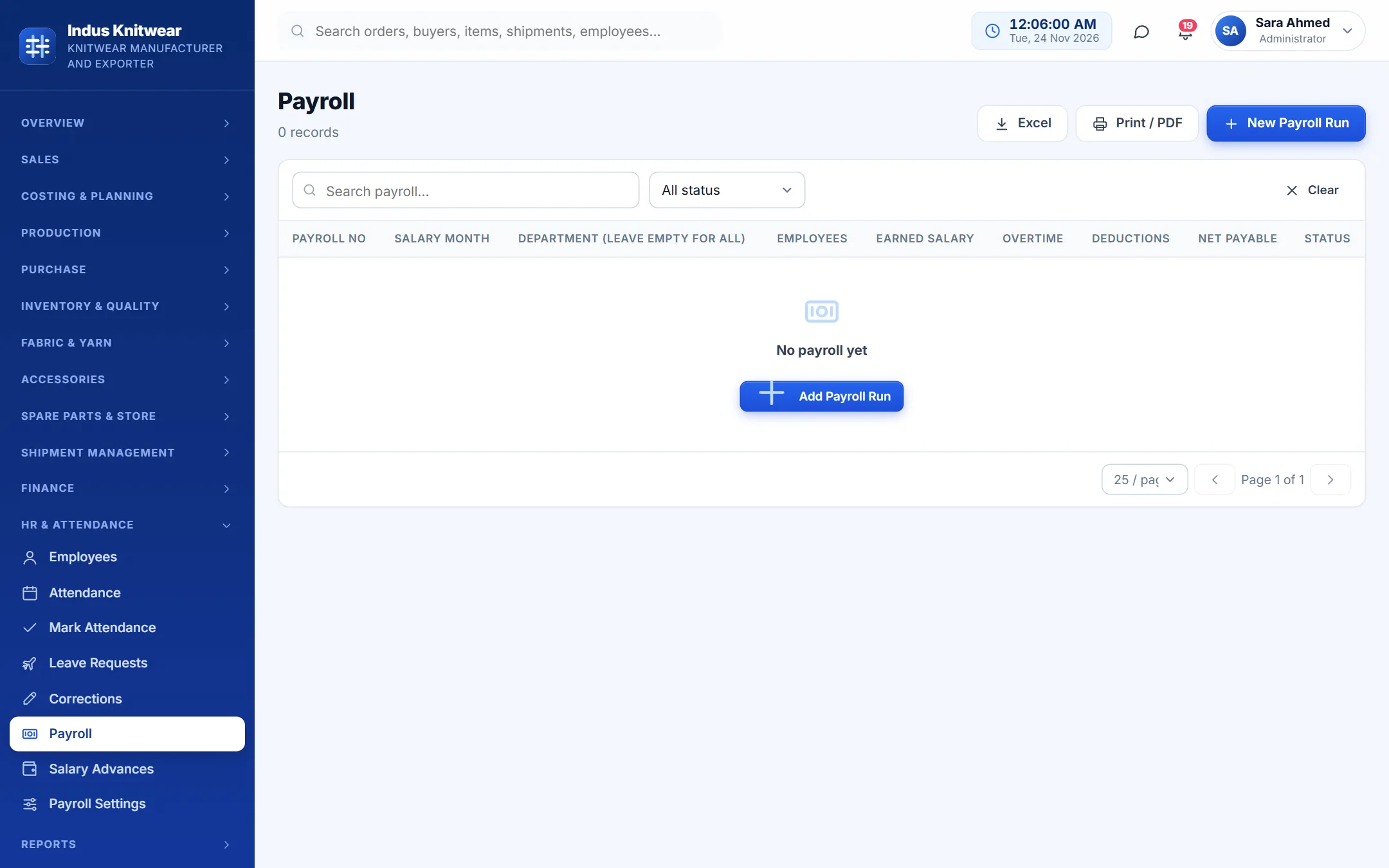
Mark attendance for a whole department on one sheet. Leave and corrections go through approval, and payroll is calculated from the attendance you already have.
- Employees and departments
- Shifts and timings
- Daily attendance sheet
- Leave requests
- Attendance corrections
- Payroll and payslips
- Salary advances
- Payroll settings
Control without chasing people
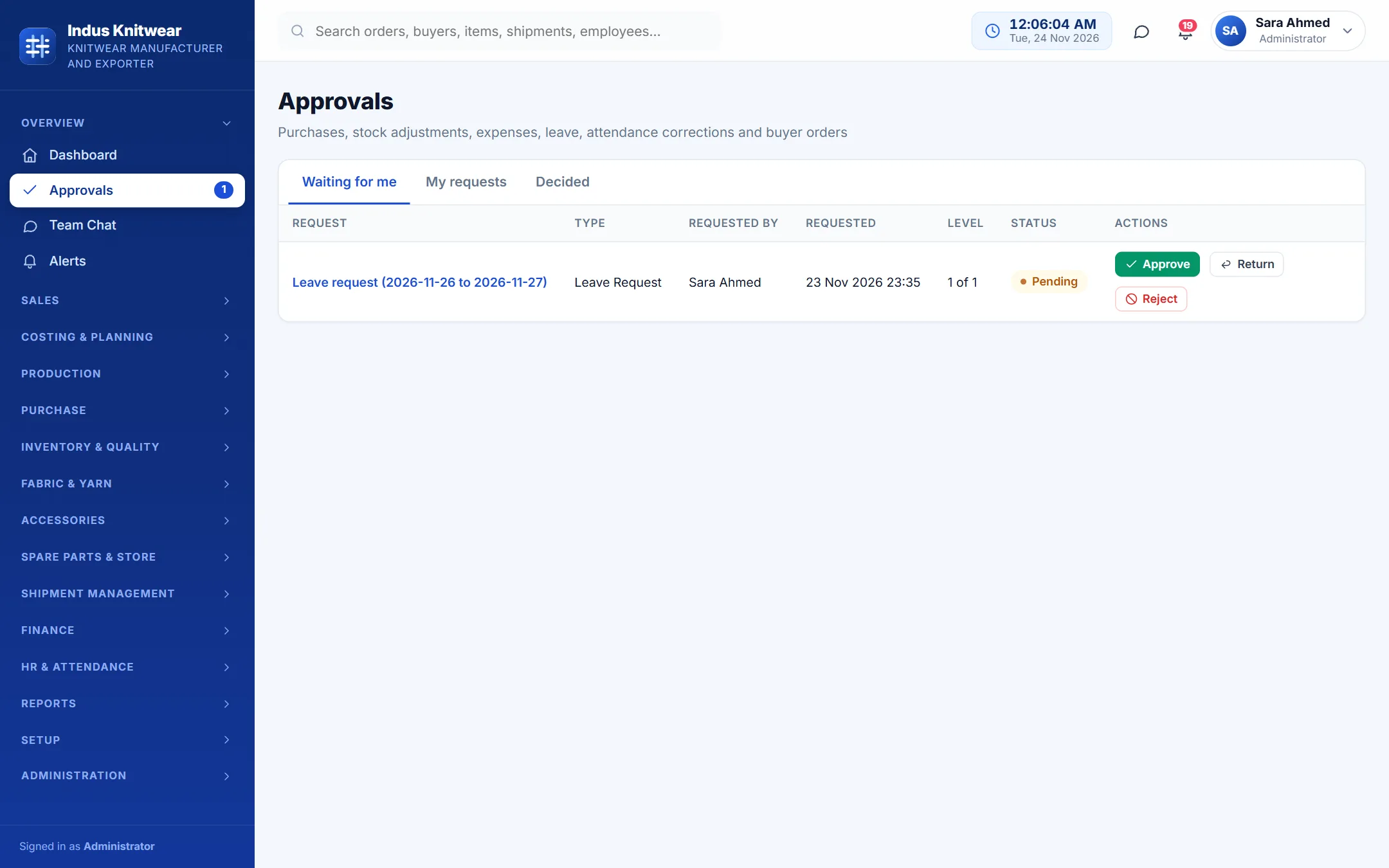
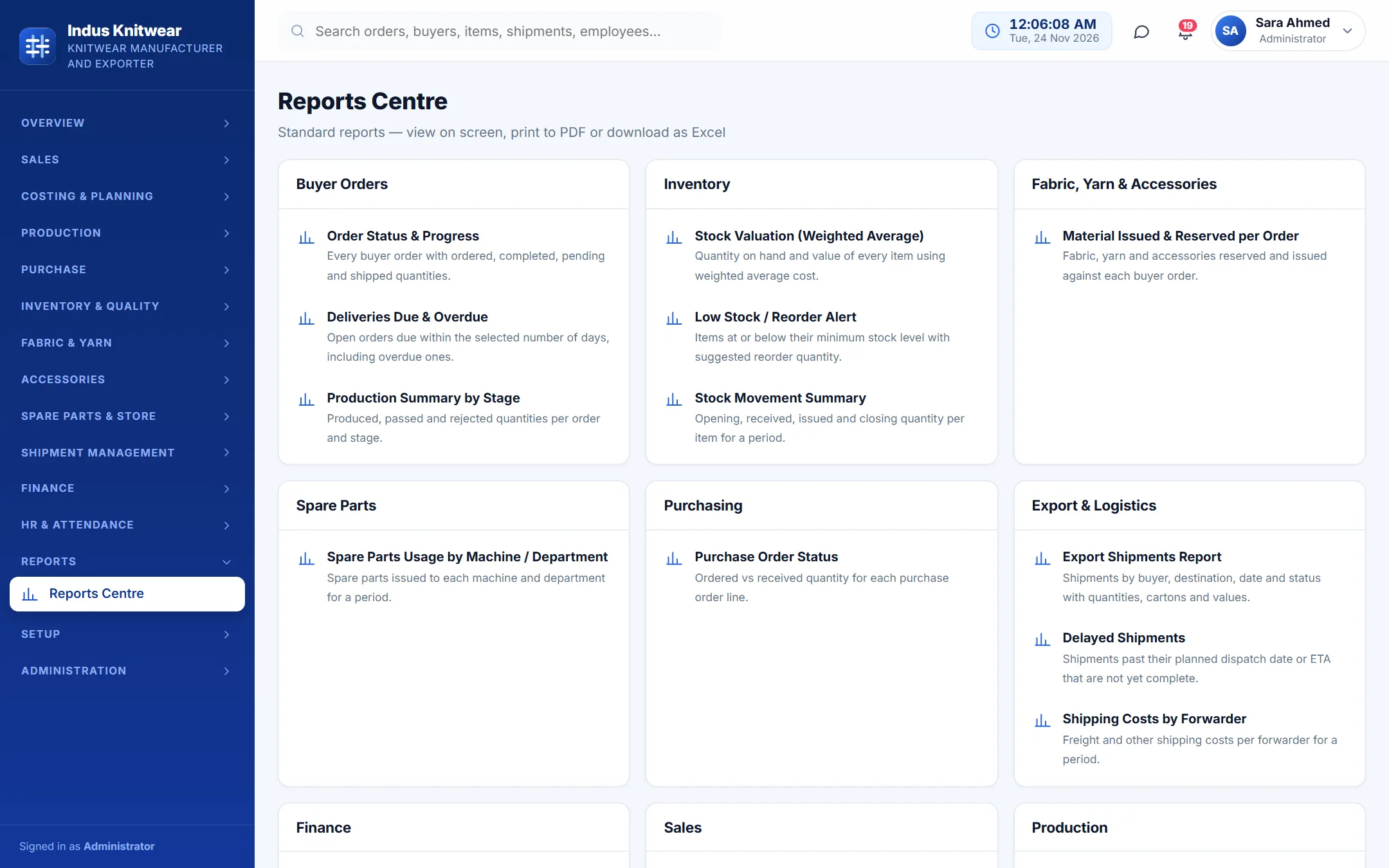
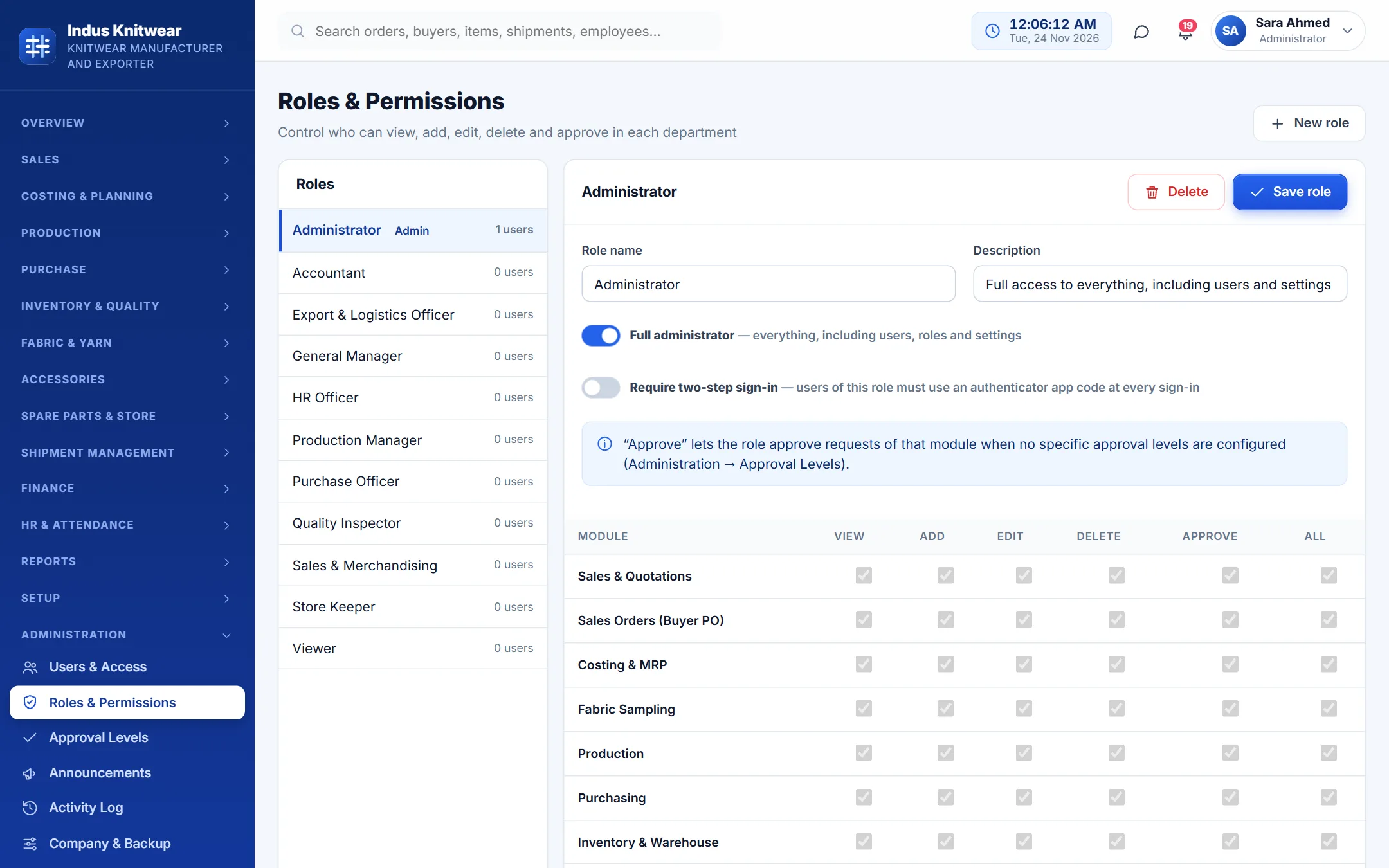
Set approval levels for each kind of document, see everything that waits on you in one queue, and get the numbers out in the reports centre.
- Approval levels and one approval queue
- Reports centre with Excel export
- Users, roles and screen-by-screen permissions
- Team chat, announcements and alerts
- Activity log for every change
- Your logo, address and tax numbers on every document
Try every module with your own data
The 3-day free trial includes all modules of the plan you choose.