
Run your textile factory from buyer order to shipment
One system for orders, costing, material planning, production, stores, quality, export, accounts and payroll. Made for knitwear, denim and garment manufacturers.
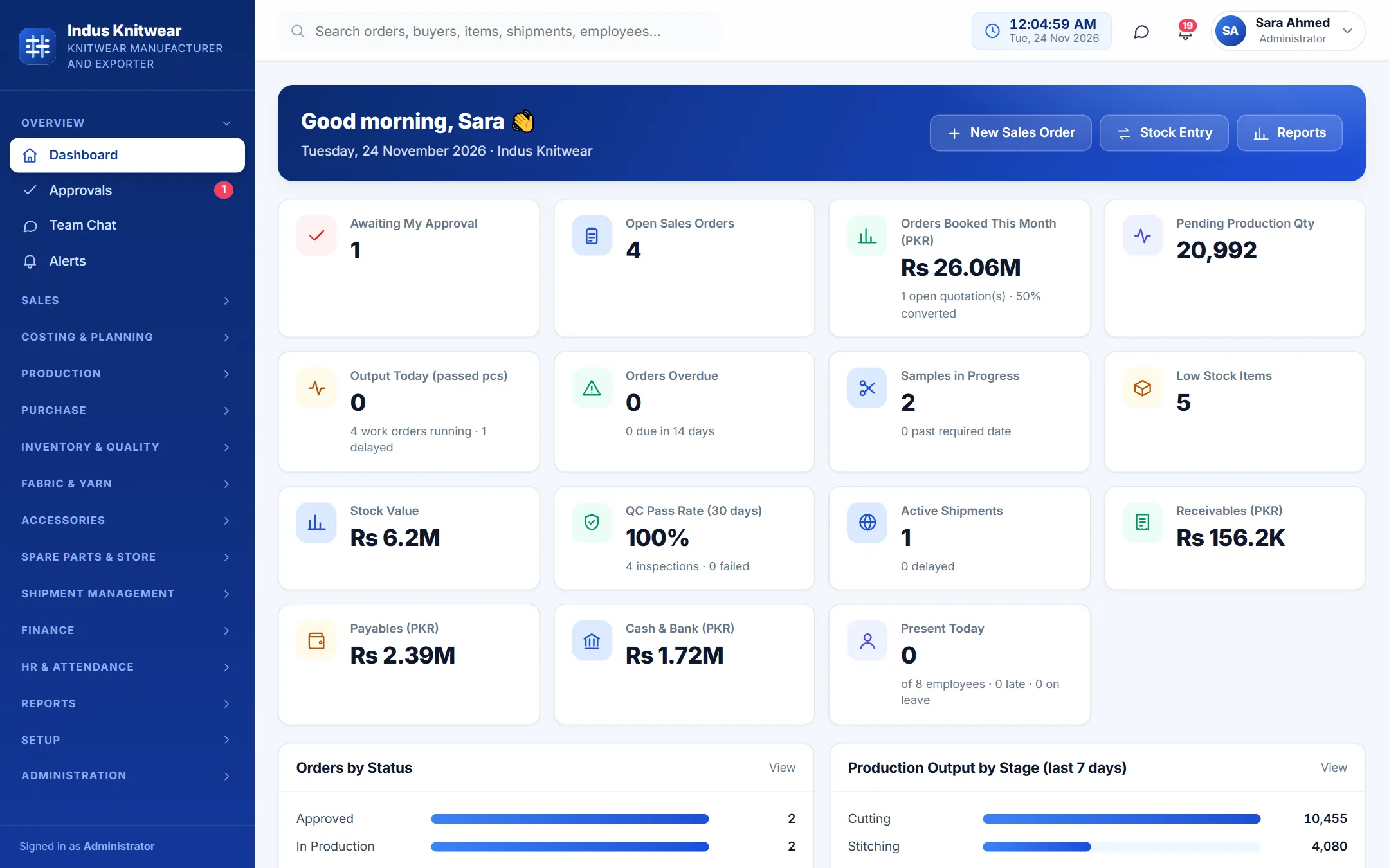
Every department works from the same order
Merchandisers, planners, supervisors, store keepers, shippers and accountants all see the same numbers, so nobody re-types an order into another spreadsheet.
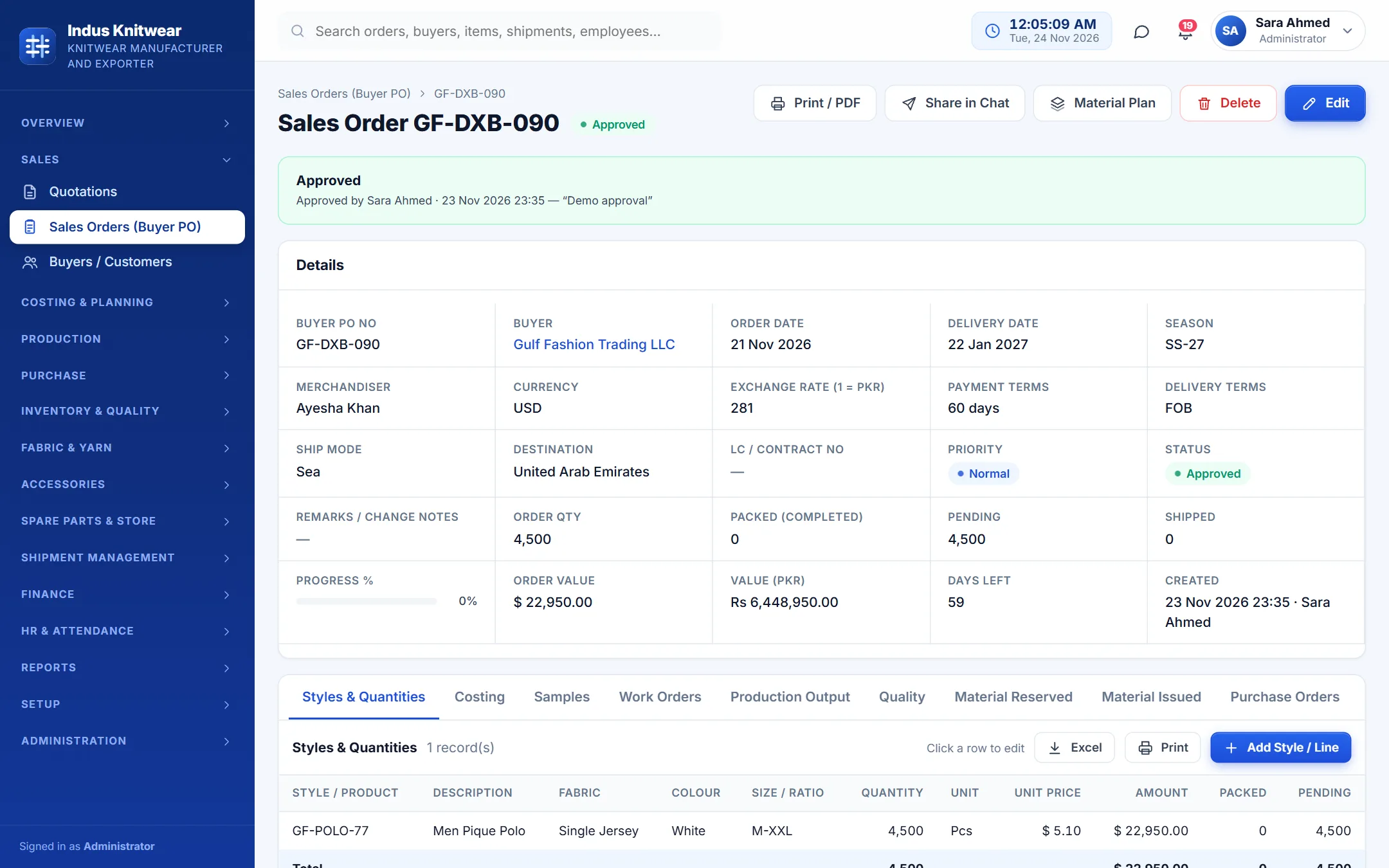
Every buyer order on one page
Quotations become sales orders with styles, colours, sizes and delivery dates. The order page then shows its cost sheet, material plan, work orders, output and shipments.
- Quotations, buyer POs and order history
- Cost sheets in dollars, euros, pounds or rupees
- Fabric sampling and buyer approvals
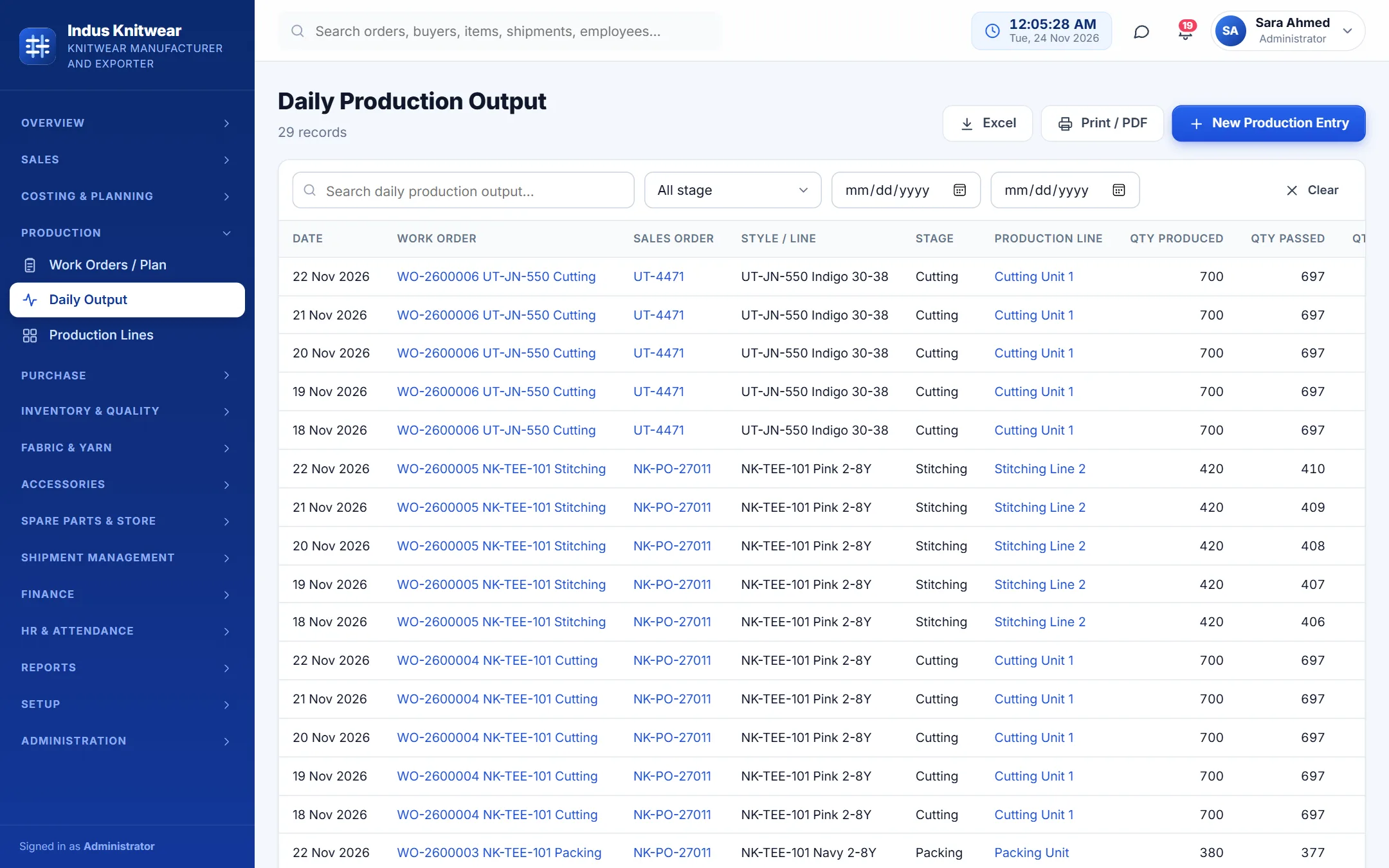
See what every line made today
Work orders follow each style through the stages you use. Supervisors enter daily output by line, and passed and rejected pieces add up on the order.
- Cutting
- Stitching
- Washing
- Finishing
- Quality
- Packing
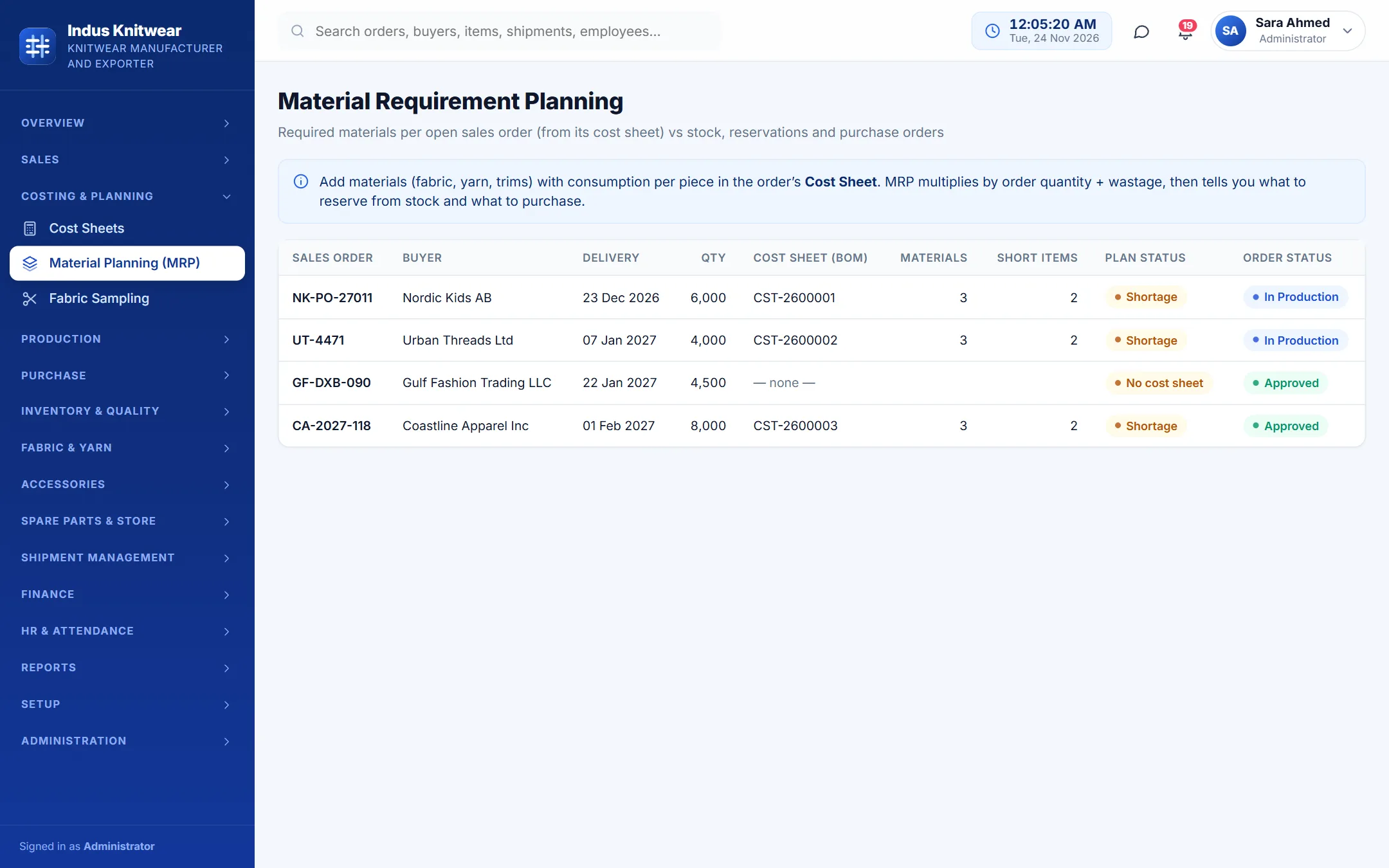
Know what to buy before the order starts
Material planning multiplies each cost sheet by the order quantity and wastage, then shows what can be reserved from stock and what still has to be purchased.
- Shortages per order, before cutting begins
- Reservations against stock in every warehouse
- Purchase orders and goods received
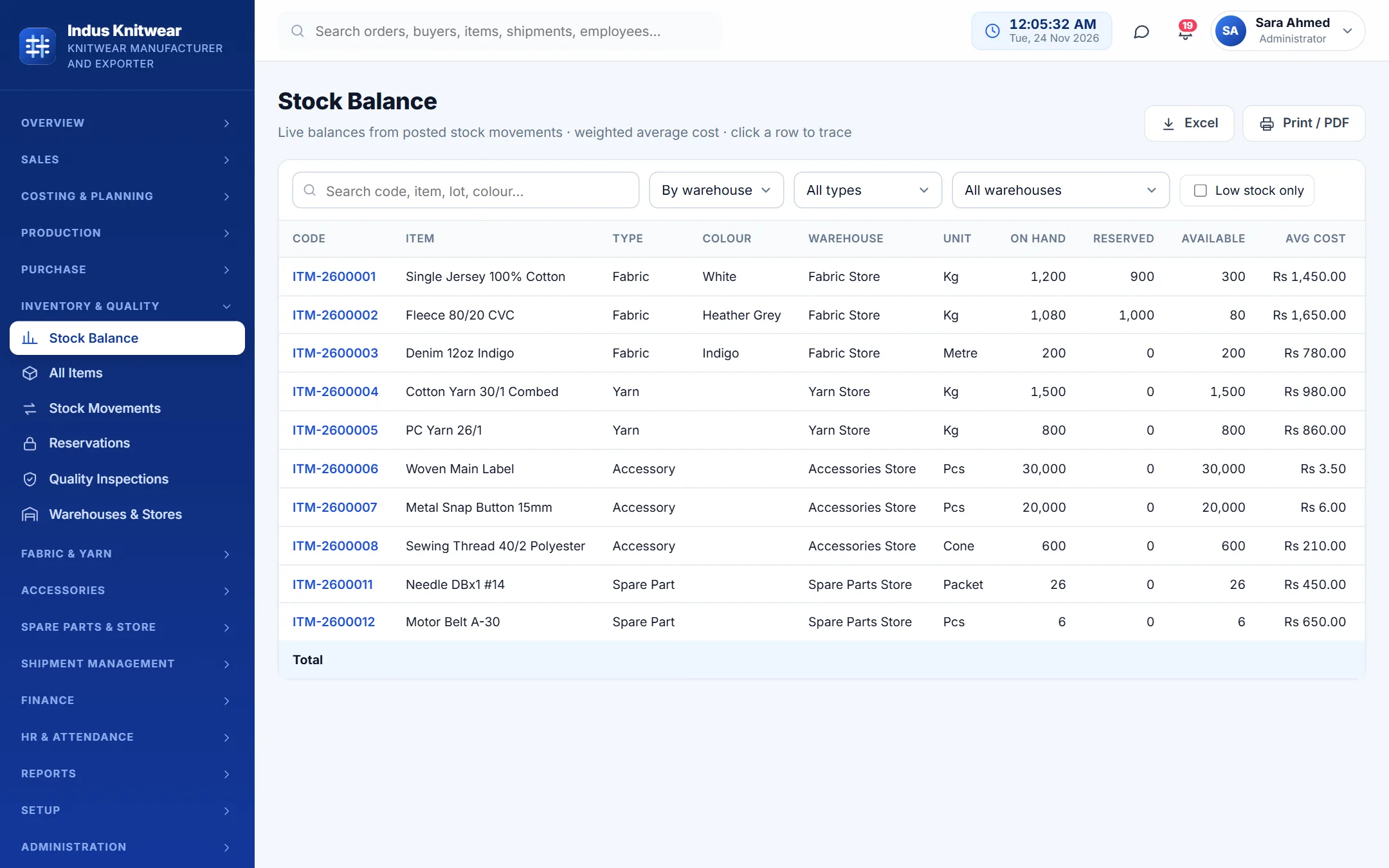
Fabric, yarn, trims and spares in one stock
Every receipt, issue and transfer is recorded against a warehouse, so the balance on screen matches the store. Fabric and yarn are tracked by batch and lot.
- Fabric rolls and yarn lots by batch
- Accessories, trims and packing material
- Spare parts for every machine
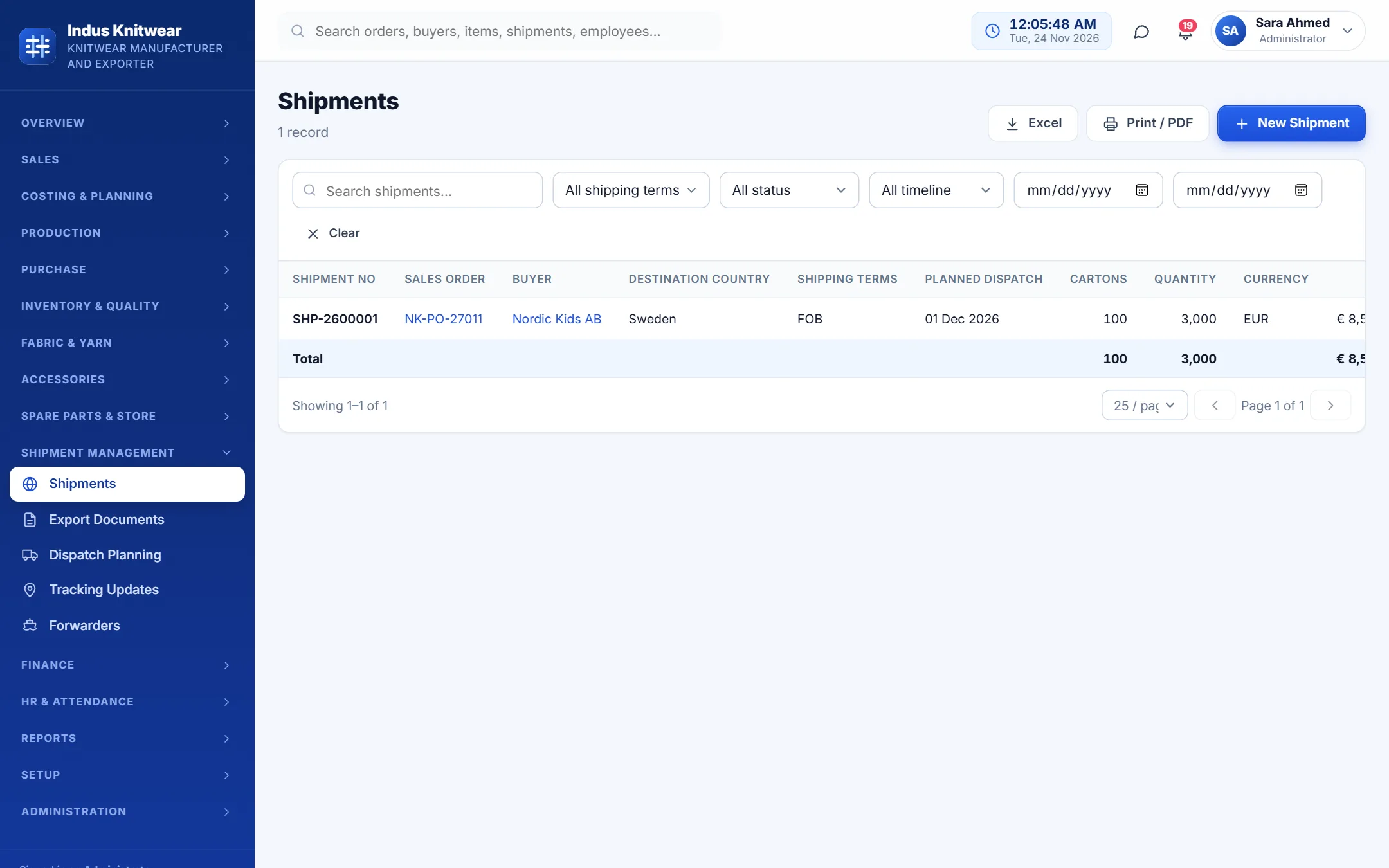
Ship, invoice and get paid
Shipments carry the cartons, documents and tracking for each order. Invoices are raised in the buyer's currency and receipts, bank and journals keep the books up to date.
- Shipments, export documents and forwarders
- Invoices, bills, receipts and payments
- Chart of accounts, journals and bank
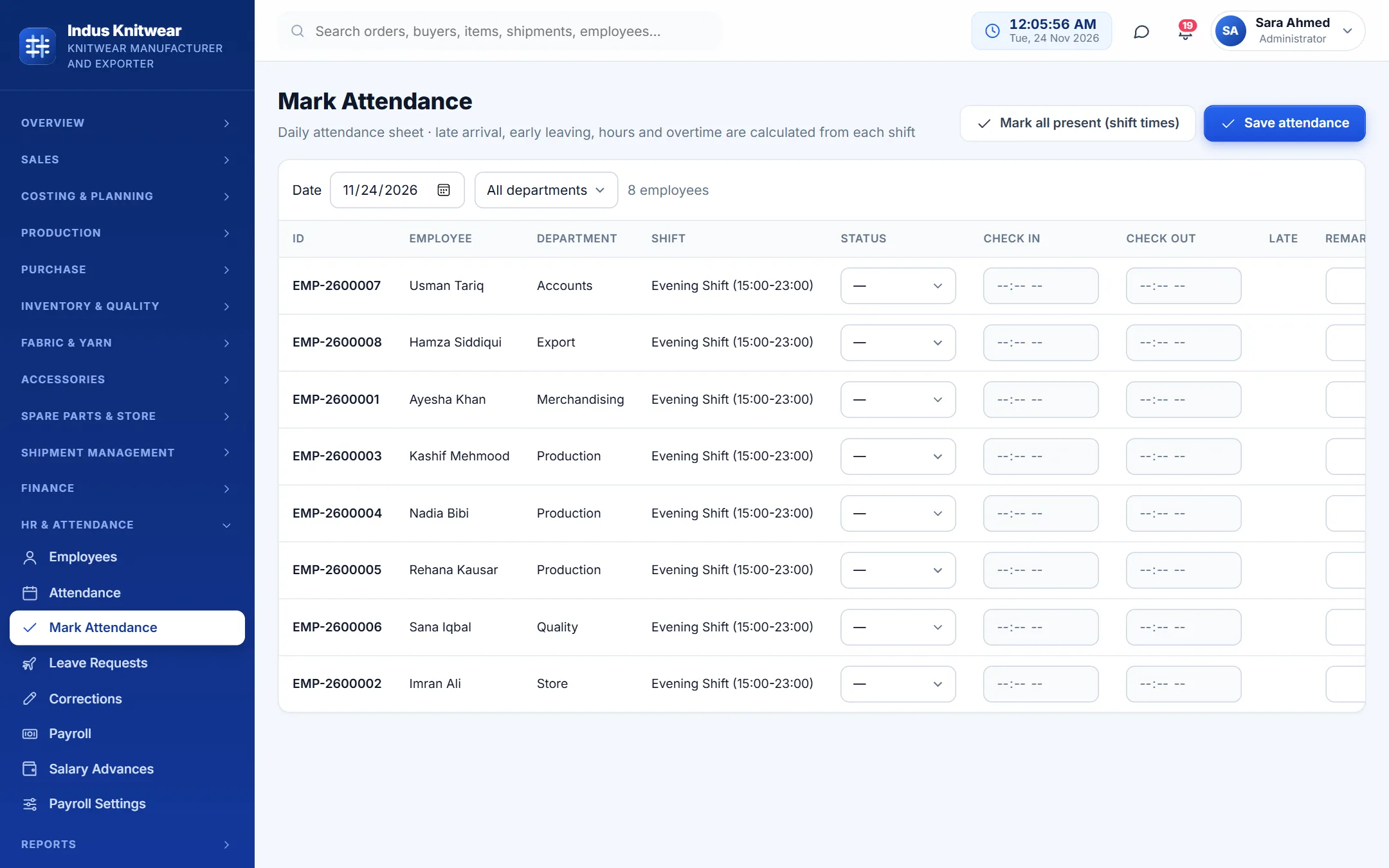
Attendance and payroll in the same system
Shifts and daily attendance feed the payroll, so salaries, overtime, advances and deductions come out of the same records your supervisors keep.
- Employees, departments and shifts
- Attendance, leave and corrections
- Payroll, payslips and salary advances
The everyday tools your team asks for
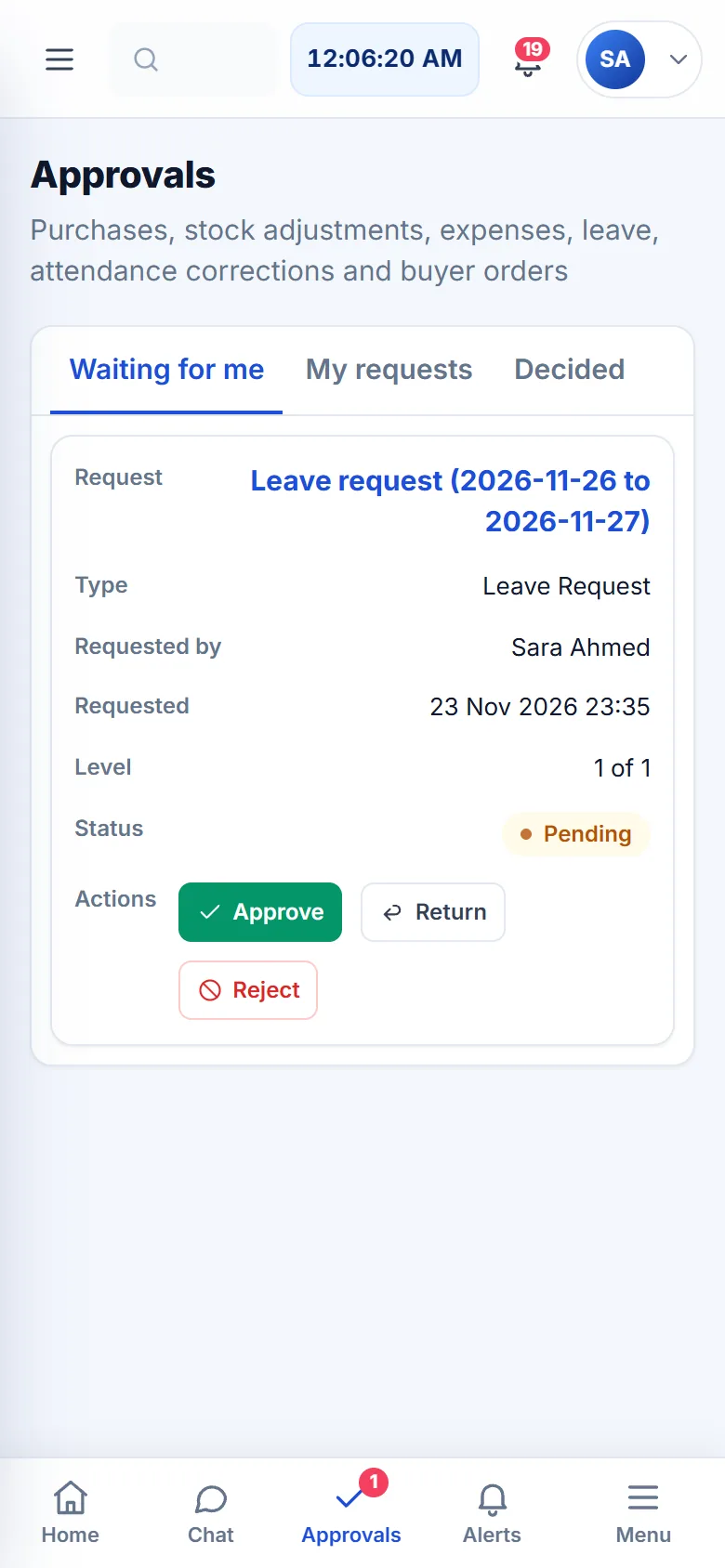
Approvals
Approval levels per document, and one queue for everything waiting on you.
Reports
A reports centre for sales, production, stock and accounts, with Excel export.
Documents with your logo
Invoices, purchase orders and payslips print with your logo, address and tax numbers.
Team chat
Messages and announcements inside the system, next to the work they are about.
Alerts
Low stock, due dates and approvals reach the right person without a phone call.
Roles and permissions
Decide who can view, add, edit, approve or delete on every screen.
Activity log
Every change is recorded with who made it and when.
Search everything
Find any order, buyer, item, shipment or employee from the top bar.
Your data stays yours
Orders, prices, buyers and salaries are the most sensitive records a factory has. The system is built so that no other company can reach them.
A database of your own
Every company gets a separate database with its own login. One company's account cannot open another's data.
Two-step sign-in
Authenticator codes for any user, and required for the roles you choose.
New device checks
A sign-in from a new device or country needs an emailed code, and the person is told about it.
Access by role
People only see the screens and actions their role allows.
Full activity log
Who changed what and when, for every record.
Daily backups
Automatic backups every day, kept separately for each company.
One monthly price per company
Every plan has its own database, backups and support. Pay monthly by bank transfer.
Loading plans
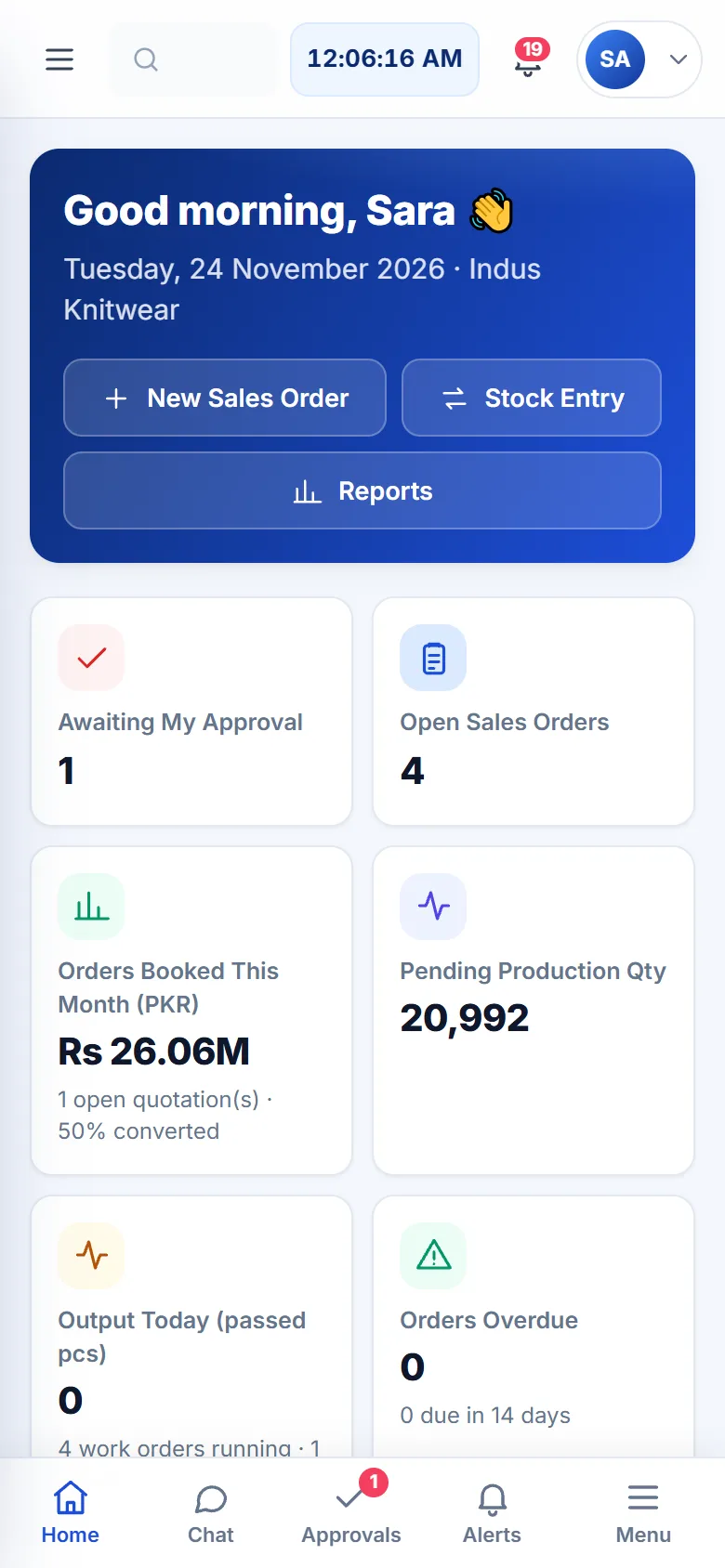
Approve and check the factory from your phone
Apps for iPhone and Android are on the way. Until then the workspace already works in the phone's browser, with the same approvals, alerts and chat.
Three steps to your own workspace
Request a workspace
Tell us your company name and choose the address your team will use.
yourcompany.texos360.comWe set it up
After a short check we create your workspace with its own database and email the administrator a link to set a password.
Add your company and team
Upload your logo, enter your address and tax numbers for documents, then invite staff with the access each one needs.
See it with your own orders
Request a workspace and try every module during the 3-day free trial.